To reset your password on Loyally.ai:
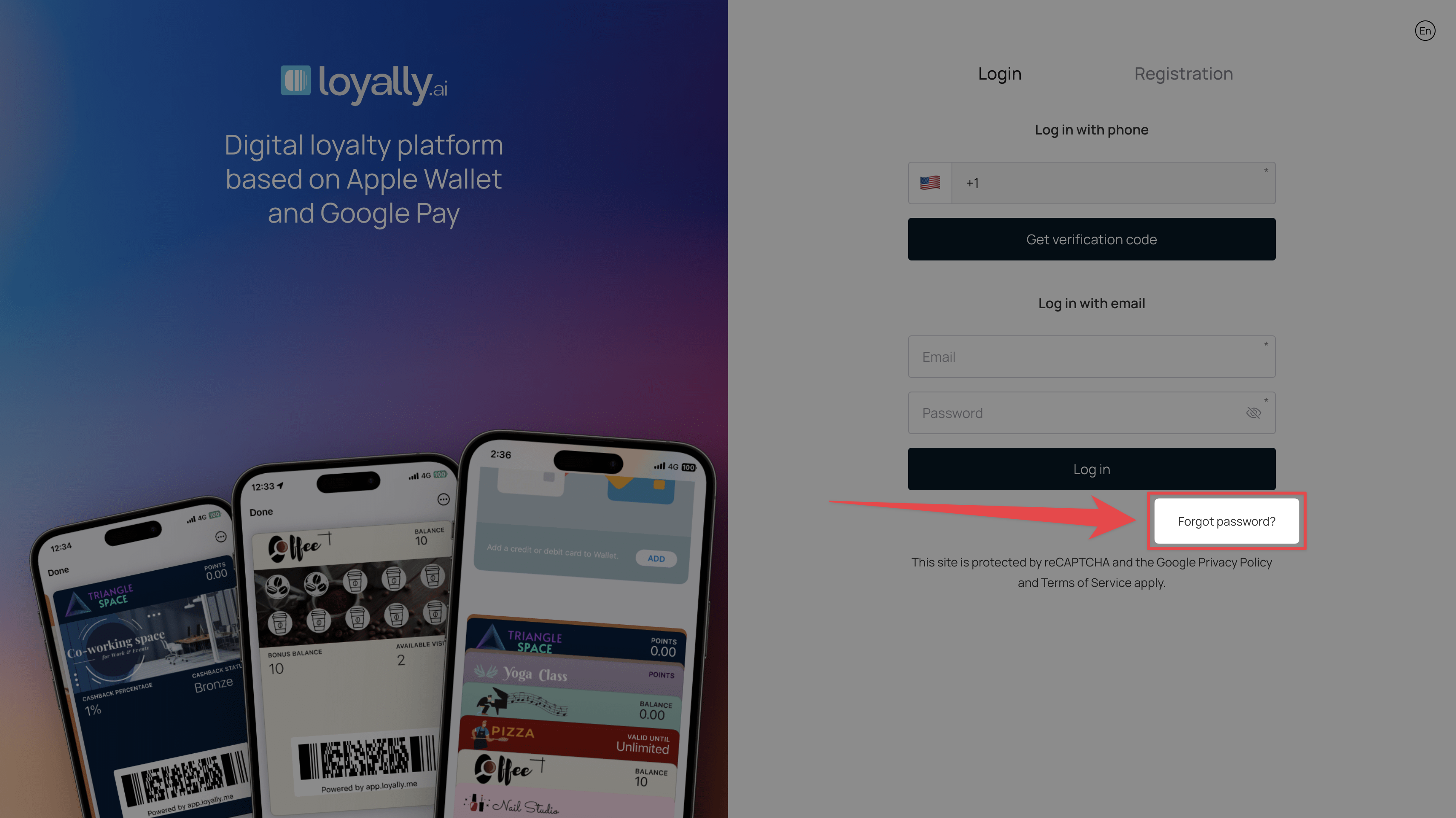
On the Login screen (app.loyally.ai), click 'Forgot password?' at the bottom-right.
Enter your registered email in the 'Email' field on the Password Recovery screen.
Click 'Recover password'. We email you a new temporary password, and your old password stops working.
Sign in with the temporary password, then change it to one of your own in Settings > Personal Settings.