Import Existing Customers
Quickly bring your existing customer data into Loyally.ai with a few simple steps.
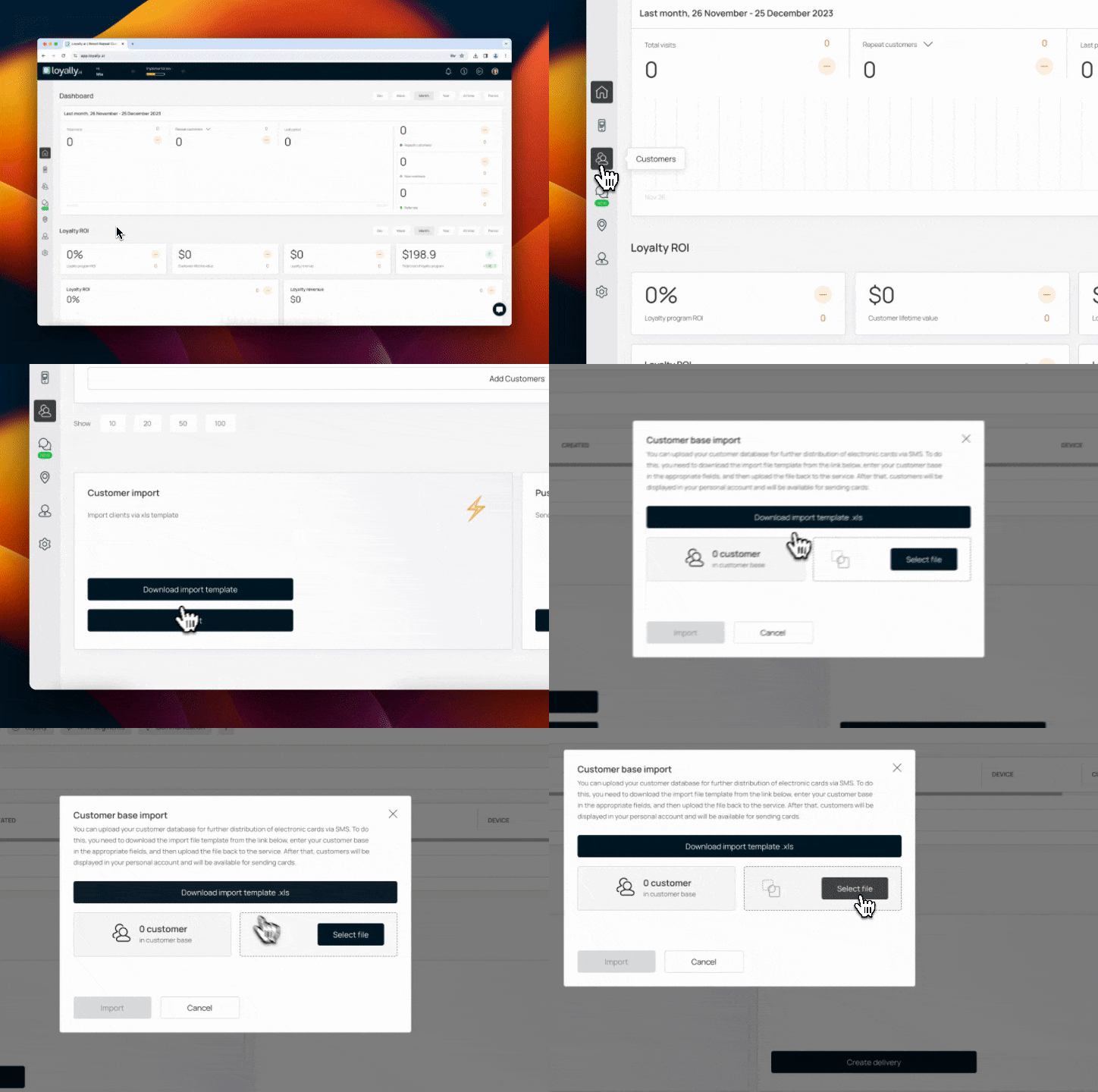
Sign in to Loyally.ai and go to 'Customers' in the Menu Panel.
Prepare Import File:
Import Customer Data:
Under 'Customer Import', click 'Import' button, and select the XLS file.


Done! 🎉🎉 Confirm import success and review new customers in your database.