Signing up for a free trial of Loyally.ai is quick and easy.
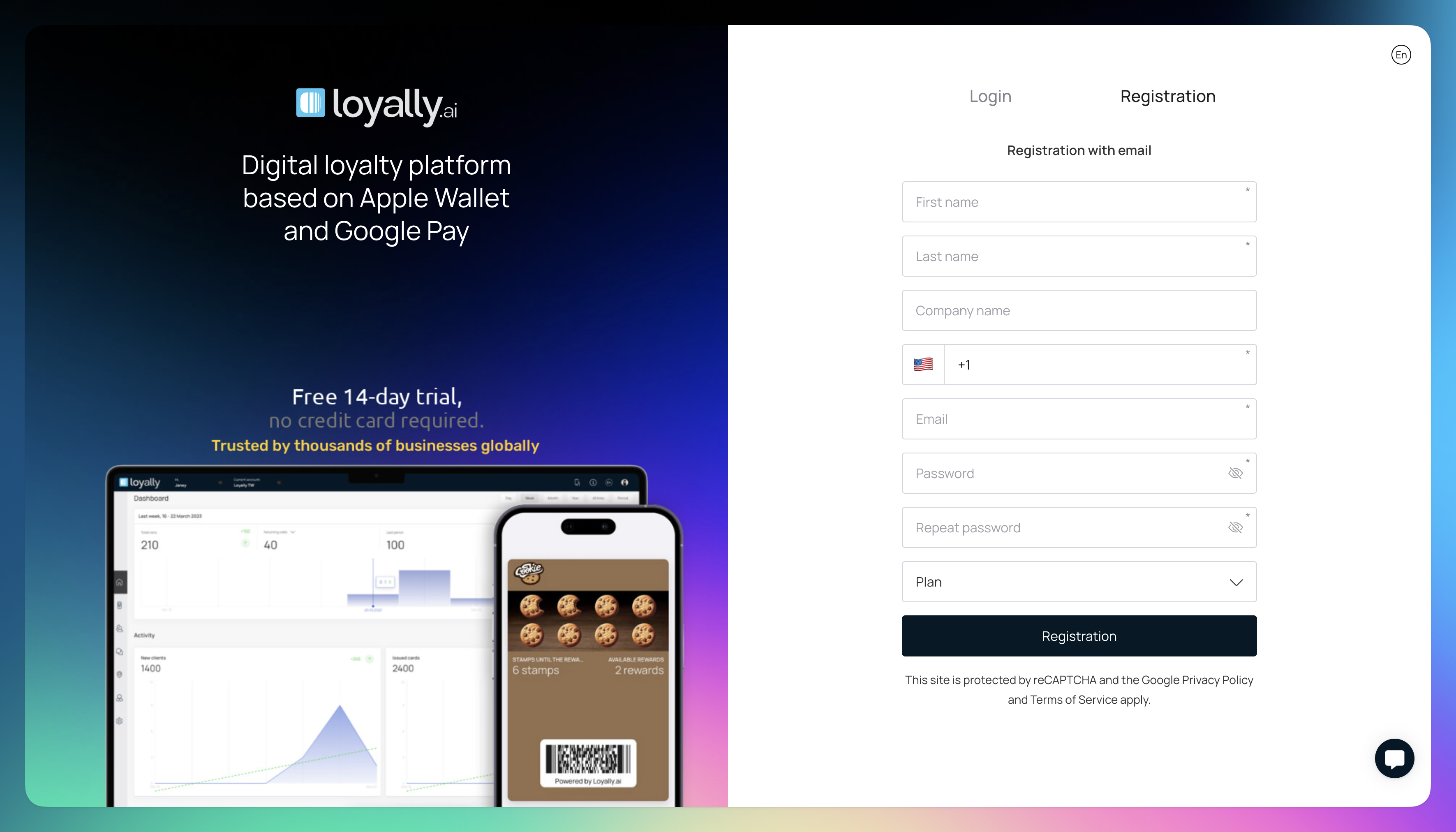
Visit 'app.loyally.ai' and select 'Registration'.
Enter your company info:
'First name' & 'Last name'
'Company name'
'Contact number'
'Email'
'Password'
Select a plan from the dropdown.
Click 'Next' to enter your credit card details and complete the signup process.
You'll have full access to all the products and features included in your selected plan.
Your selected plan will continue automatically unless canceled. You can upgrade or downgrade at any time to a plan that better fits your needs.

Plan
Learn how to access the Plan section and view subscription plans
Quick Start Guide
Learn how to start your digital loyalty program with Loyally.ai