Learn how analytics are structured when managing multiple brands or locations, and determine which account setup best serves your reporting requirements.
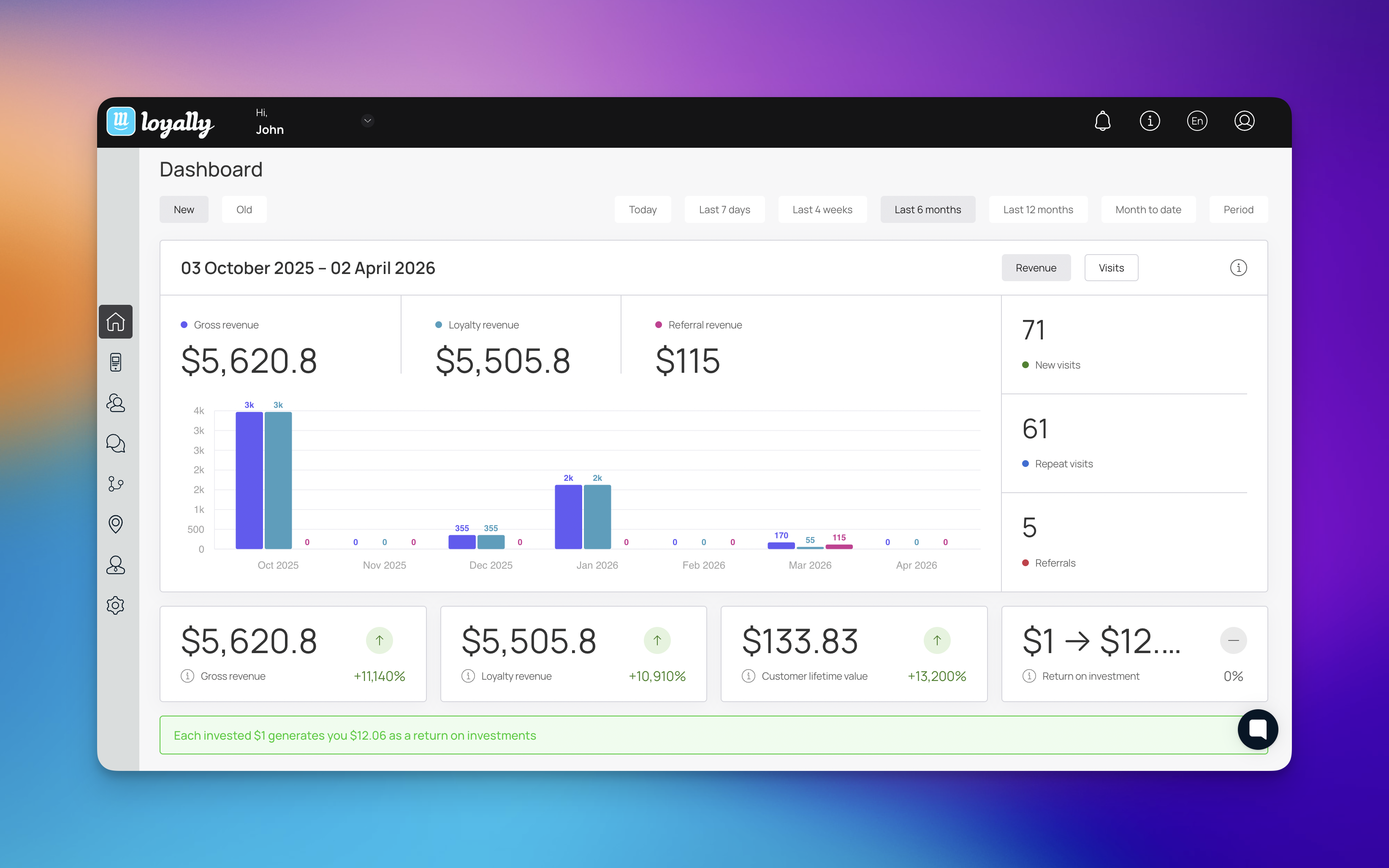
Loyally offers flexibility in how you structure your data. The core logic of our reporting depends on your account structure:
Single Account Setup: Analytics from all active loyalty cards are aggregated into one primary dashboard.
Multi-Account Setup: Each account maintains an isolated dashboard, providing a "clean slate" for specific brands or business units.

Totally different brands/businesses: Create a separate Loyally account per brand. This keeps dashboards, reporting, and access clean.
Same brand with multiple locations (or business units under one brand): Use one Loyally account and create multiple cards as needed. Your dashboard will roll up totals, and you can still review results by clicking into each card.
Dashboard analytics: Totals roll up for everything inside the same Loyally account.
Per-card analytics: Each loyalty card has its own stats when you open that card.
Choose ONE Loyally.ai account if:
You want one combined dashboard across everything.
You only need separation by checking each card’s stats.
Choose SEPARATE Loyally.ai accounts if:
You want a separate dashboard per brand/business unit.
Different teams should manage different programs.
You need clean separation for reporting, billing, or access control.
Best for: Simplest setup and a combined roll-up view.
What you get:
One dashboard showing combined totals across all cards in the account
Separate stats per card (open a card to view its analytics)
Limitation: Multiple cards do not create separate dashboards.

Best for: Fully separated reporting and management boundaries
What you get:
Separate dashboard analytics per account
Separate per-card analytics inside each account (open a card to view its analytics)
If you run Brand A and Brand B:
One Loyally.ai account - The dashboard shows A + B combined. You can open each card to view A-only or B-only analytics (based on the card you click)
Separate Loyally.ai accounts:
Brand A account: Dashboard shows only Brand A totals. You can also open Brand A’s cards to view separate analytics per card.
Brand B account: Dashboard shows only Brand B totals. You can also open Brand B’s cards to view separate analytics per card.
Can I separate dashboard totals inside a single account later? Not at this time. Dashboard totals are a cumulative "roll-up" of all activity. If you need separate high-level reporting for tax or partnership reasons, start with separate accounts.
Do I need different email addresses for separate accounts? Yes. Each Loyally account is tied to a unique email login.
Dashboard Overview
Understand and Manage Your Business Performance
Loyalty Program Insights for SMEs with Loyally.ai
Understanding Customer Loyalty