Understanding the difference between Automations and Promotions is key to running a successful loyalty program in Loyally. While both features help you engage customers, they serve very different purposes.
Automations are automated workflows triggered by specific customer actions or data changes (e.g., a customer hits a point milestone or has a birthday). They are designed for personalization, consistency, and saving time on repetitive tasks.
Promotions are limited-time marketing events that change the visual appearance of the digital card to highlight a specific offer (e.g., a Black Friday sale or a Summer Brunch special). They are designed for urgency and visual impact.
Automations are the "engine" of your loyalty program. Use them when you want to create a hands-off system that responds to individual customer milestones.
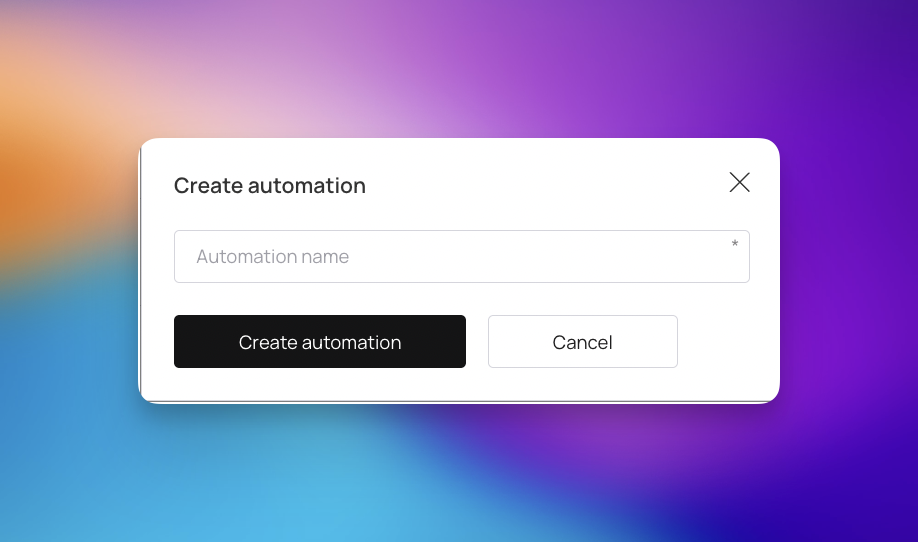
Ideal Use Cases:
Welcoming New Members: Automatically send a push notification and a 5-point bonus the moment someone joins.
Milestone Rewards: Trigger an email the second a customer hits 100 points.
Win-Back Campaigns: Automatically message customers who haven't visited in over 30 days.
Personal Celebrations: Sending a coupon exactly on a customer's birthday.

Promotions are your "billboard." Use them when you have a specific event that applies to a broad group of people (or everyone) at the same time.
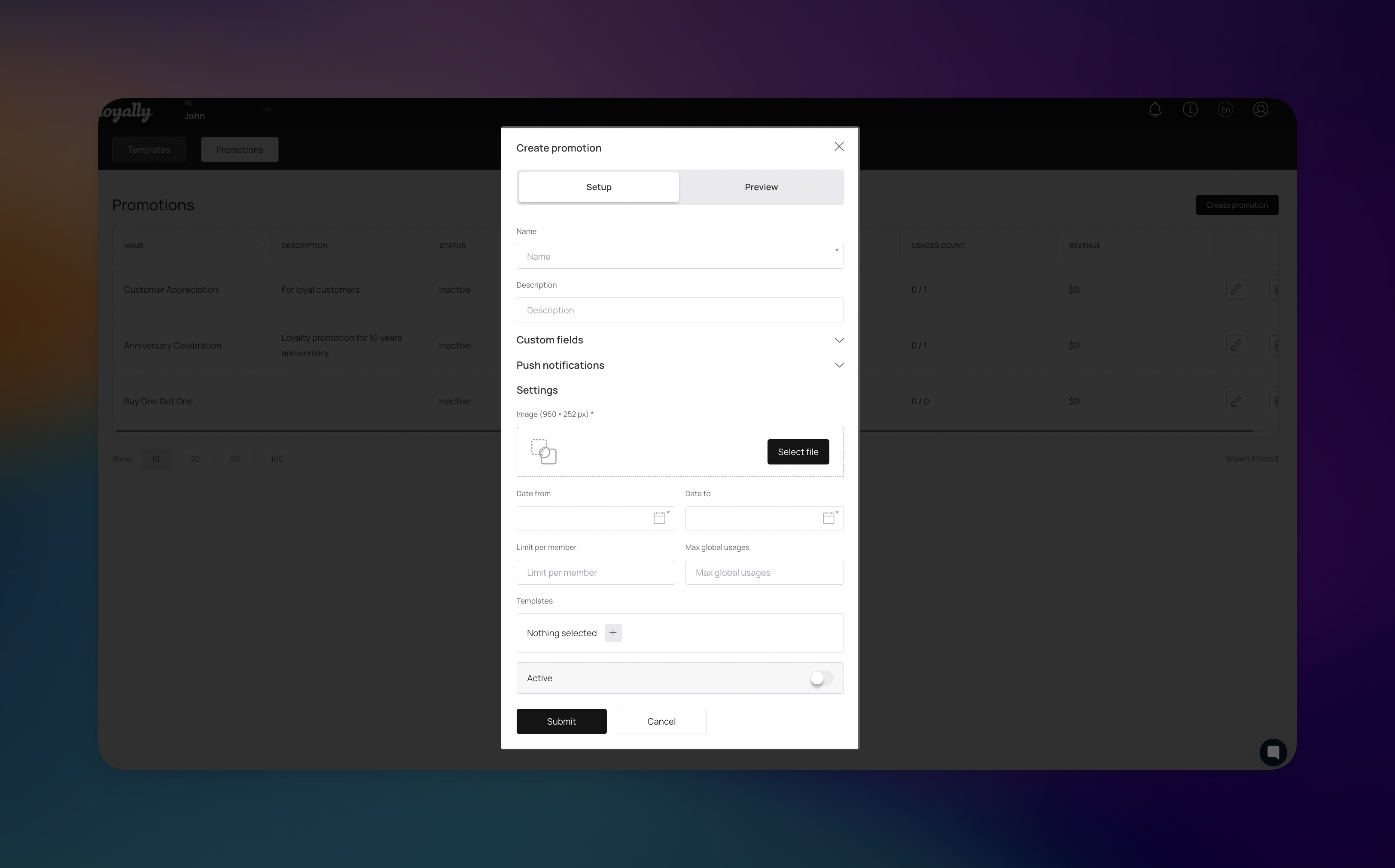
Ideal Use Cases:
Seasonal Sales: A "Holiday Double Points" weekend.
Flash Events: A 24-hour flash sale where the card background changes to reflect the theme.
New Product Launches: Highlighting a new menu item for the month of June.
You don't have to choose just one. In fact, the most successful programs use both simultaneously.
Example Scenario:
You are running a Promotion for "Octoberfest" where the card background shows a festive theme. While that is running, your Automations are still working in the background, sending "Happy Birthday" messages to October babies and rewarding people who hit point milestones during their Octoberfest visits.
Use Test Profiles: Always create a test customer profile to simulate triggers. This ensures your logic is sound before your entire database receives a message.
Monitor the "Number of Triggers": Check your dashboard regularly to see how many people are hitting your automation steps. If the number is zero, your filters might be too restrictive.

Quality Visuals: Since the promotion replaces the card background, use high-quality PNGs (minimum 1125×432). Keep text to a minimum so it remains readable in a digital wallet.
Set Clear End Dates: Use the optional custom fields to show customers exactly when the offer expires. This creates a sense of urgency.
How to Create an Automation in Loyally
Set up automations in Loyally to trigger personalized messages, rewards, and workflows based on customer behavior — keeping your loyalty program running smoothly and efficiently.