
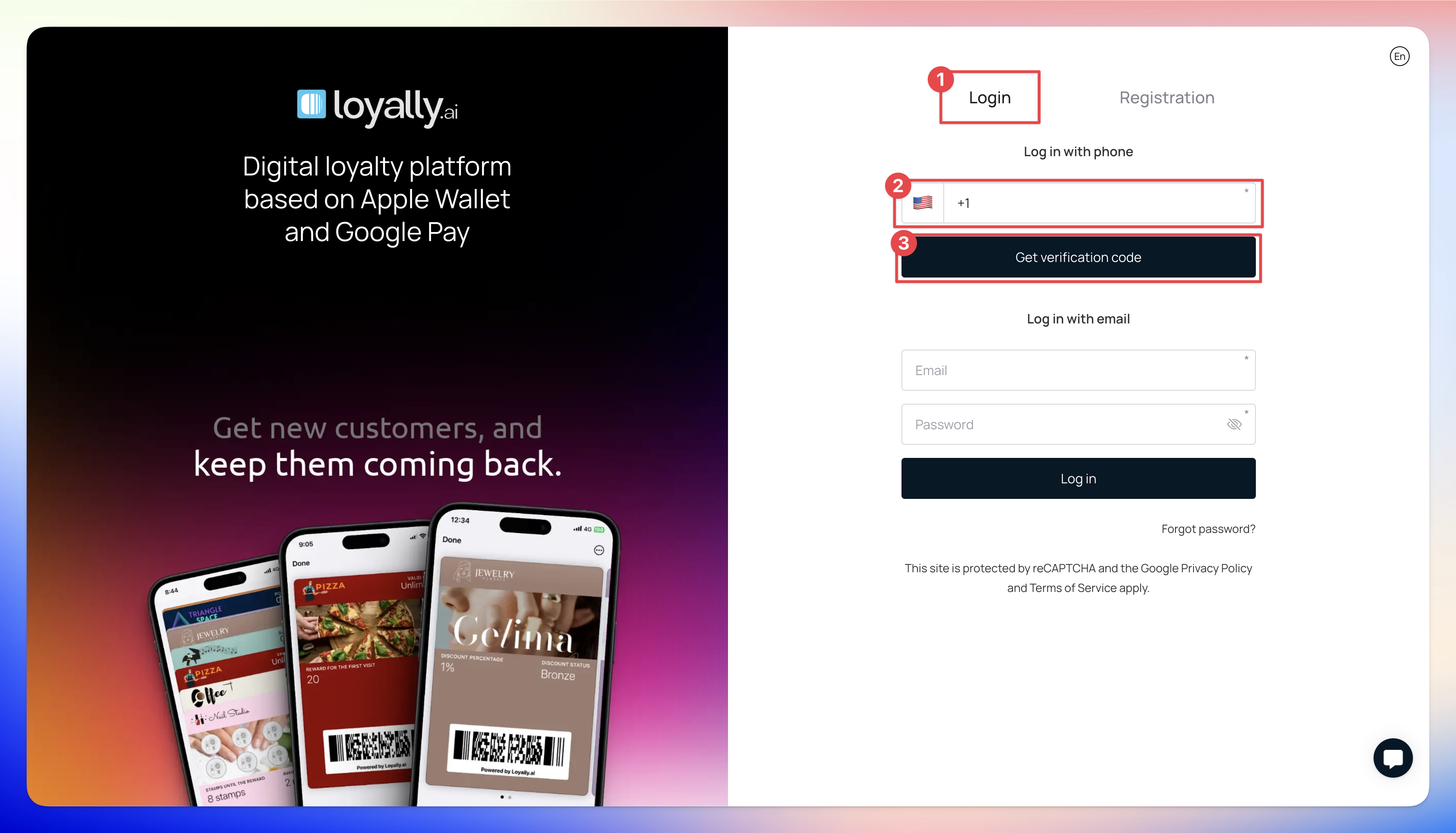
Go to 'app.loyally.ai' in your browser.
Enter your phone number under 'Login with Phone'.
Click 'Get Verification Code' to receive a code on your phone.
Enter the code in the 'Verification Code' field.
Click 'Login' to access your account.
ℹ️ Related Articles
How to Login Loyally.ai with Email?
This article explains the process of logging in via Email
How to signup for a Loyally.ai account?
Learn how you can register a Loyally.ai account
➡️ Up Next
Quick Start Guide
Learn how to start your digital loyalty program with Loyally.ai