This guide provides a comprehensive overview of the core features within the Loyally.ai platform. Whether you are setting up your first digital loyalty card or managing a multi-location enterprise, use this article to understand how each section helps you grow your business and engage your customers.
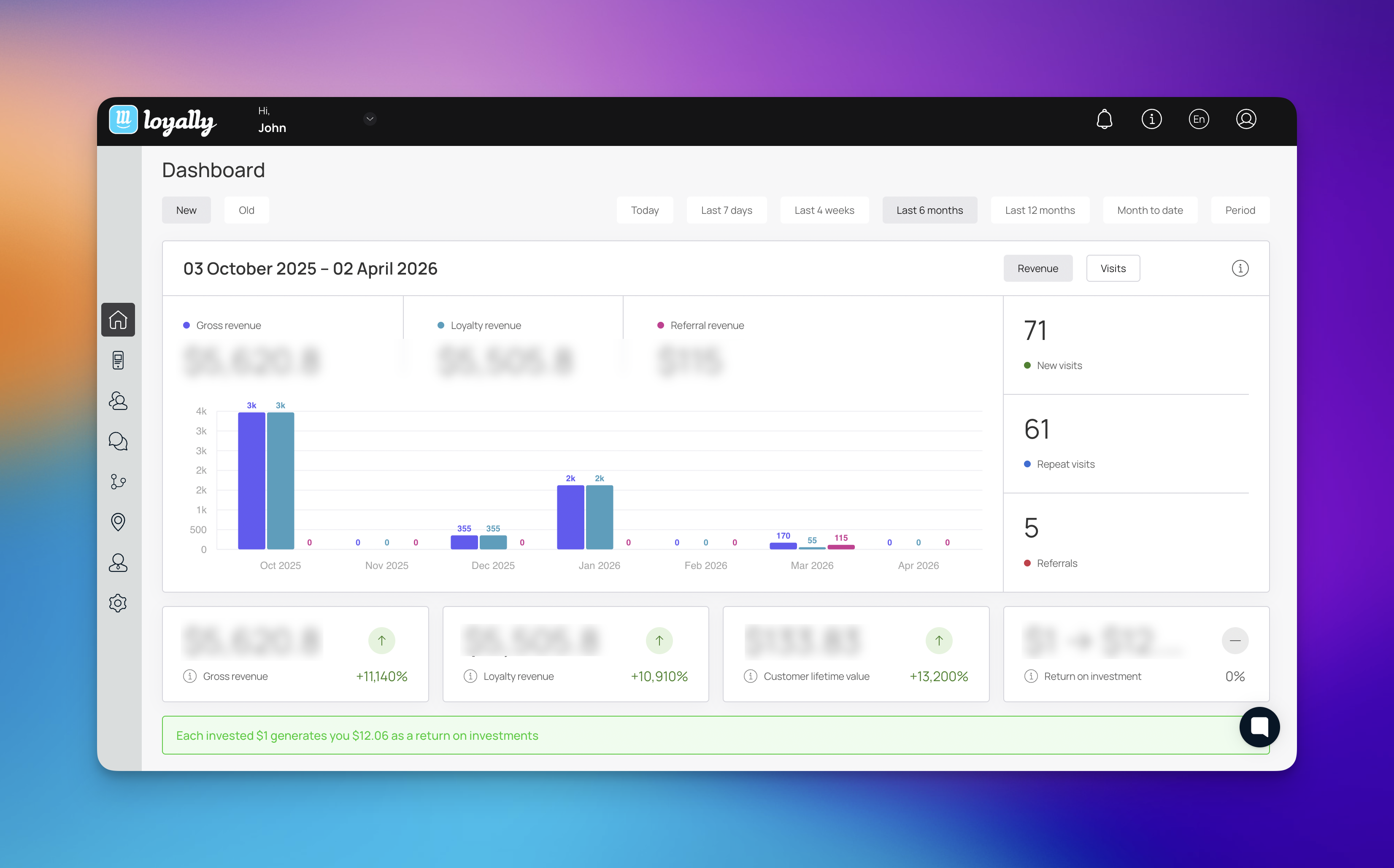
The Main Dashboard serves as the central command center for your account, providing a high-level overview of your loyalty program’s performance. It aggregates real-time data from all active digital cards and customer interactions across your entire ecosystem.
Through this interface, you can monitor core metrics such as Total Visits, Repeat Customers, and New Members. Flexible filtering options including timeframe toggles for Day, Week, Month, and Year allow you to track growth trends and compare current activity against previous periods.

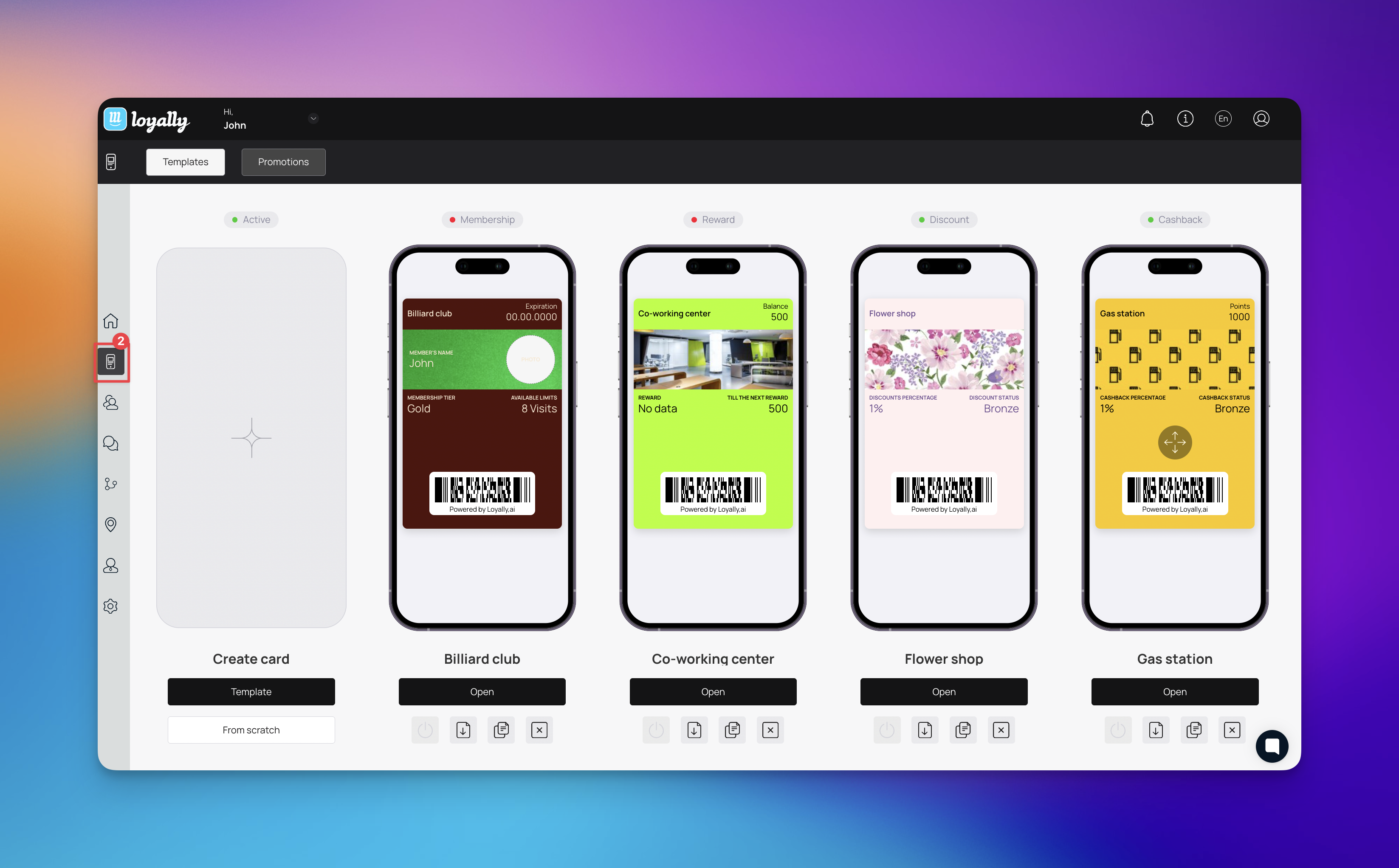
The Cards section is where you design, manage, and deploy your digital loyalty passes. These passes are stored in your customers' mobile wallets, ensuring your brand is always just a tap away.
Templates: Choose the foundation of your program, such as Reward (points), Discount (tiered membership), or Cashback (monetary incentives). Each is fully customizable with your branding.
Promotions: Link specific, limited-time deals directly to your cards to drive immediate foot traffic.

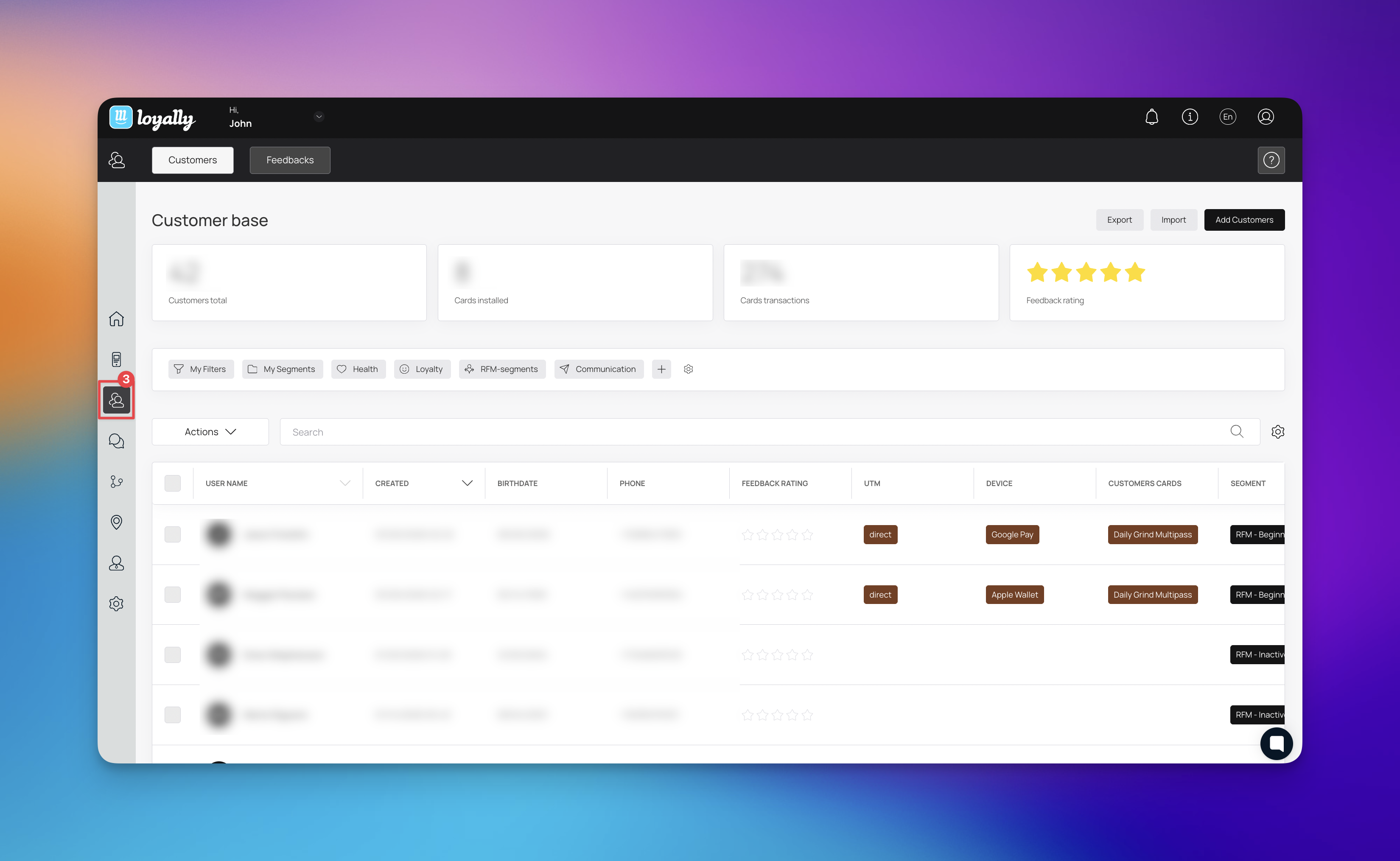
The Customers section is a robust CRM system that allows you to manage every individual in your loyalty program.
Customers Tab: Monitor your total audience, card installation rates, and transaction history. You can manually Add Customers or use the Import/Export tools for bulk data management.
Feedbacks Tab: View the "voice of the customer." Track your aggregate Feedback Rating and read specific comments left by users after their visits.
The Mailings section is the central hub for managing and tracking every email sent to your customers. It handles everything from manual outreach to transactional updates, like sending digital card links and reward notifications. By monitoring real-time statuses like Opened, Replied, or Failed, you can make sure your messages actually land and keep your loyalty members engaged.
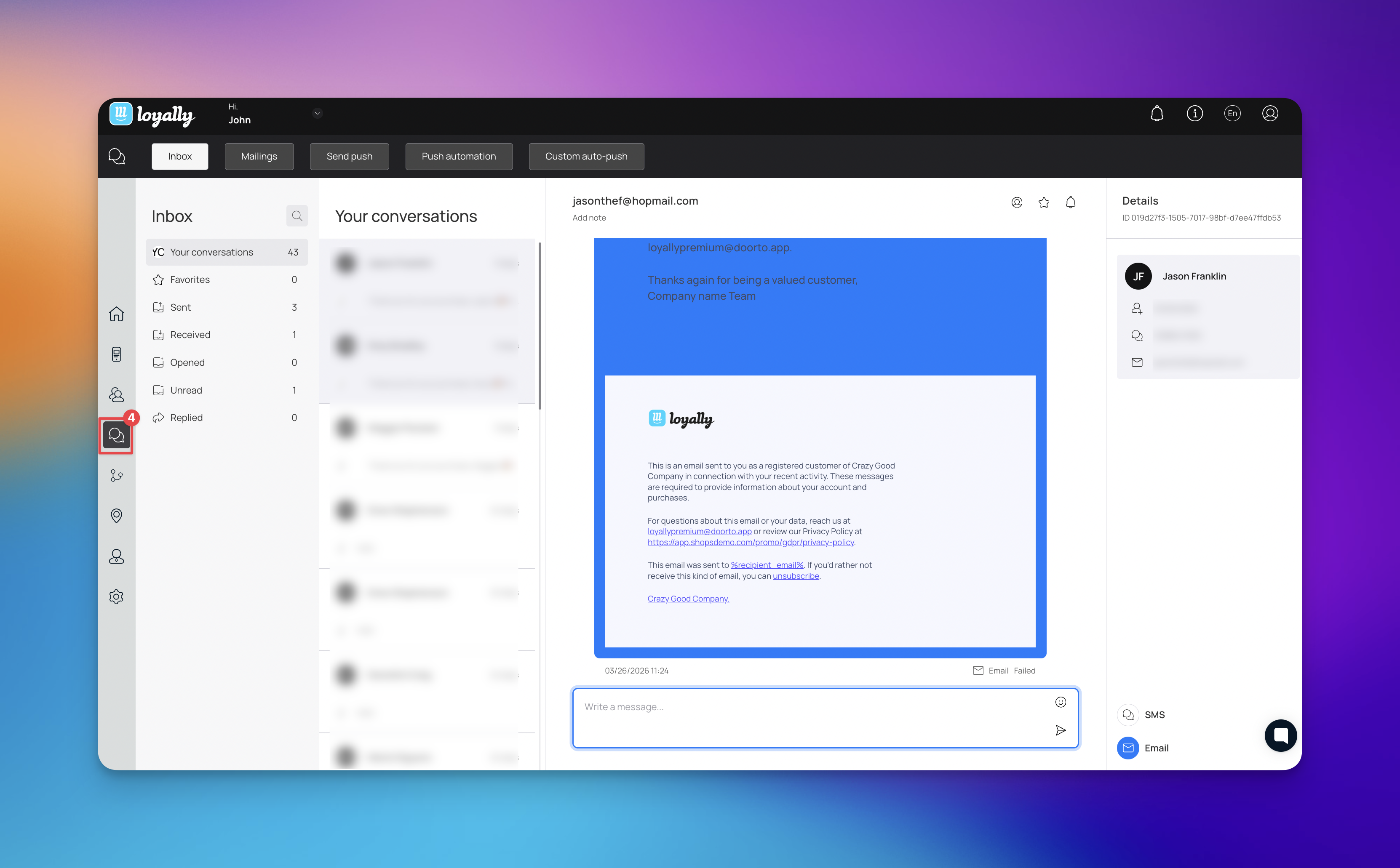
Inbox: This is where you view and manage all incoming replies and ongoing conversations with your customers in one place.
Mailings: This tab gives you a full history of sent emails so you can track delivery performance and see exactly what was sent to whom.
Send Push: Use this to blast out immediate mobile notifications for time-sensitive updates or limited-time offers.
Push Automation: This allows you to set up automatic mobile alerts that trigger based on specific customer actions or milestones.
Custom Auto-push: This gives you the flexibility to build highly specific triggers for automated notifications tailored to your unique marketing goals.
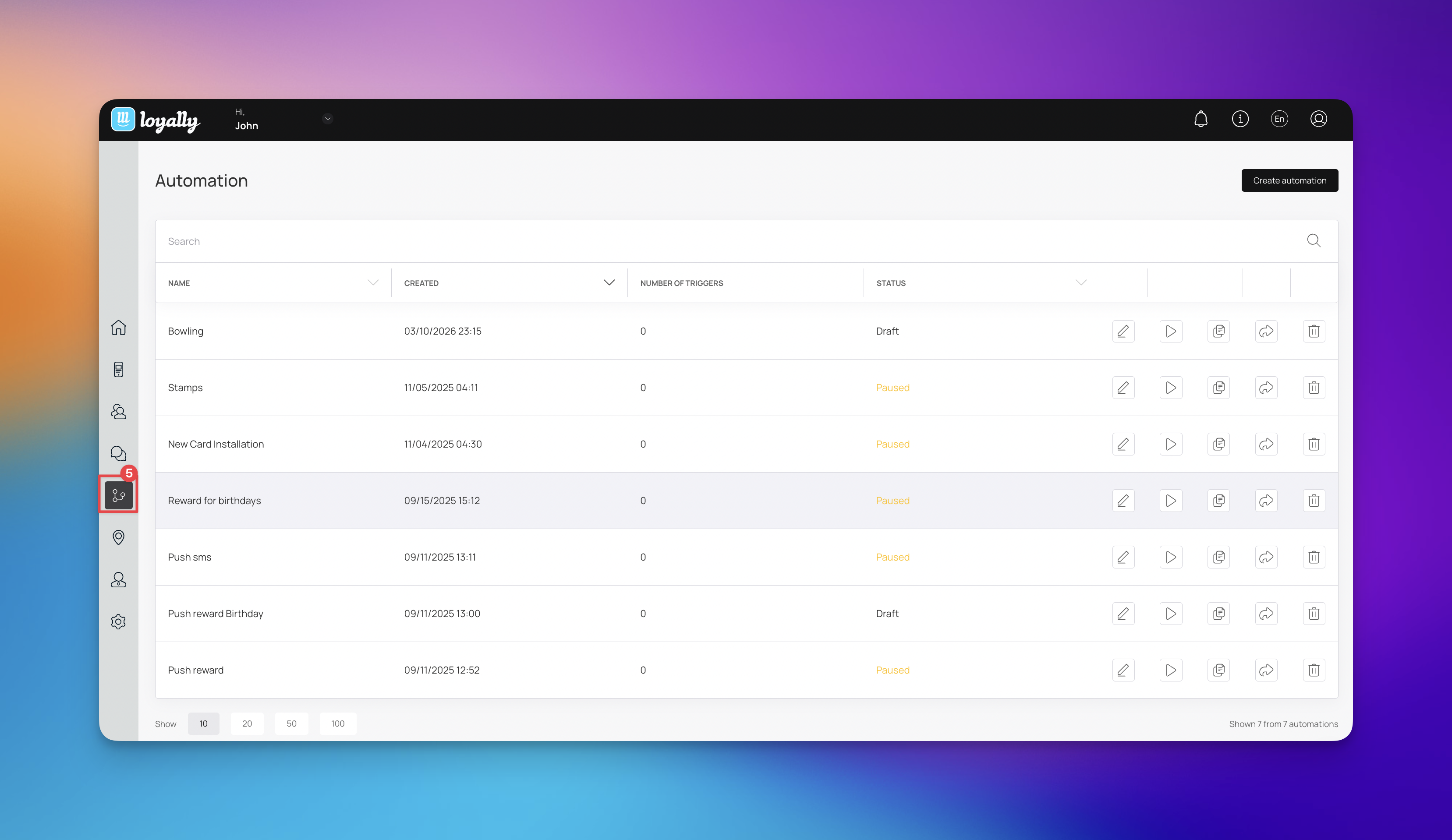
The Automation section helps you scale your marketing by creating workflows that run in the background. Instead of manual outreach, you can set up triggers (like a new sign-up) that automatically move a customer through a predefined journey. You can monitor the status of these workflows; Active, Paused, or Draft at any time.
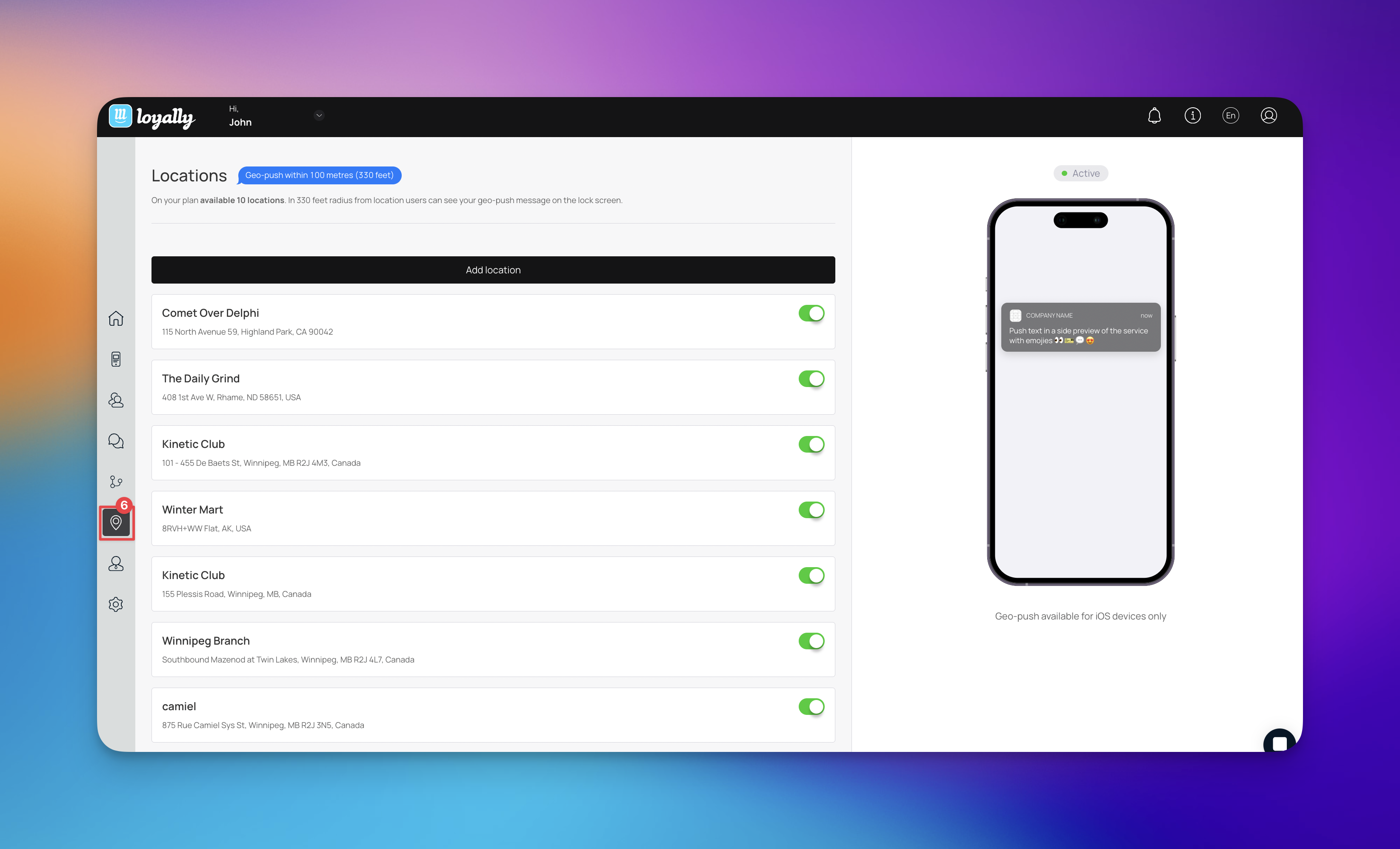
The Locations feature connects your digital program to your physical storefronts.
Proximity Marketing: By setting up locations, you can enable Geo-push notifications. When a customer comes within a 100-meter (330-foot) radius of your shop, a notification automatically appears on their lock screen.

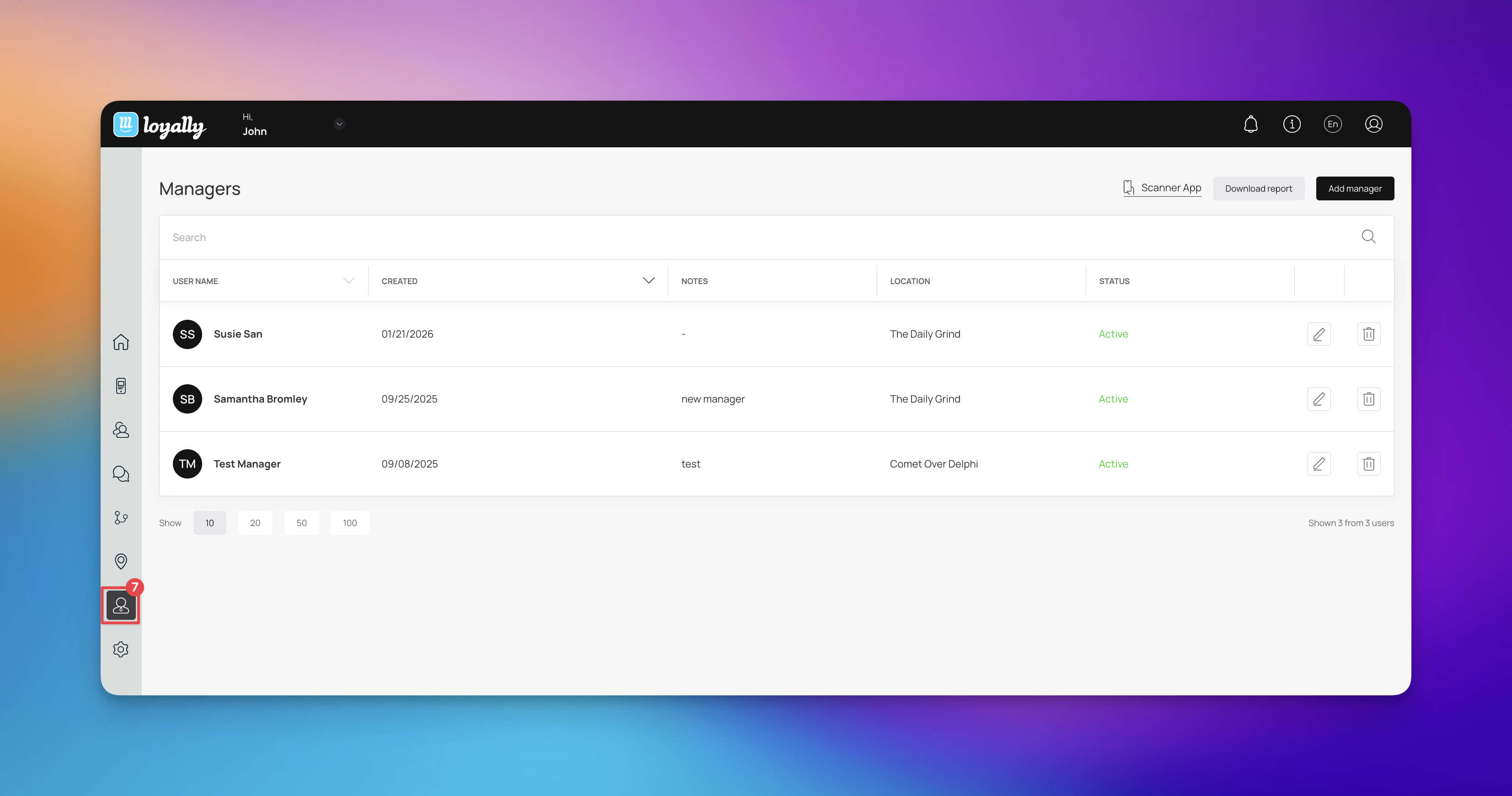
The Managers section allows you to delegate tasks to your team. You can add staff members and assign them to specific locations.
Scanner App: This is the primary tool your managers will use. It allows them to scan customer cards at the point of sale to award points or redeem rewards instantly.
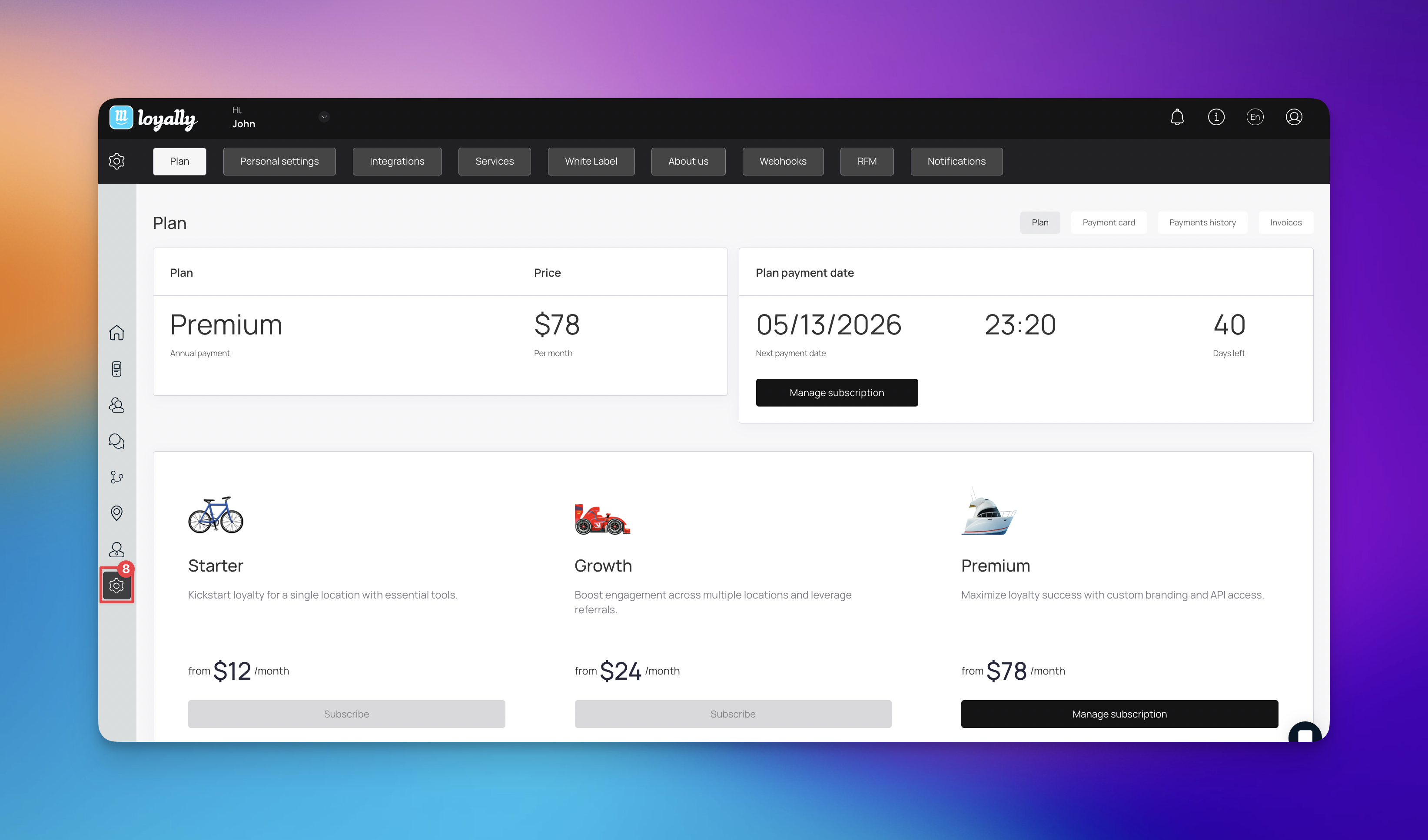
The Settings section is your administrative hub. Here, you can manage your Subscription Plan, update billing information, and access advanced technical features:
White Label: Customize the platform with your own branding (available on the Premium plan).
Integrations & Webhooks: Connect Loyally.ai to your existing POS or marketing stack. Webhooks and the API are included on the Premium plan.
Notifications: Control how you receive alerts about account activity.
By leveraging these core features, you can transform a simple loyalty program into a powerful growth engine. From tracking real-time performance on the Main Dashboard to automating customer engagement via Geo-Push and Push Automations, Loyally.ai provides the tools necessary to build lasting relationships with your audience.
Regularly auditing your Customer Base and keeping your Card Templates fresh with new Promotions ensures that your brand remains top-of-mind for your most valuable patrons.
Quick Start Guide
Learn how to start your digital loyalty program with Loyally.ai